


Can't find saved payment methods

I can't find saved payment methods on my desktop browser anymore. It was there just a couple of days ago. I can still find it on my phones browser.
所有回覆 (6)

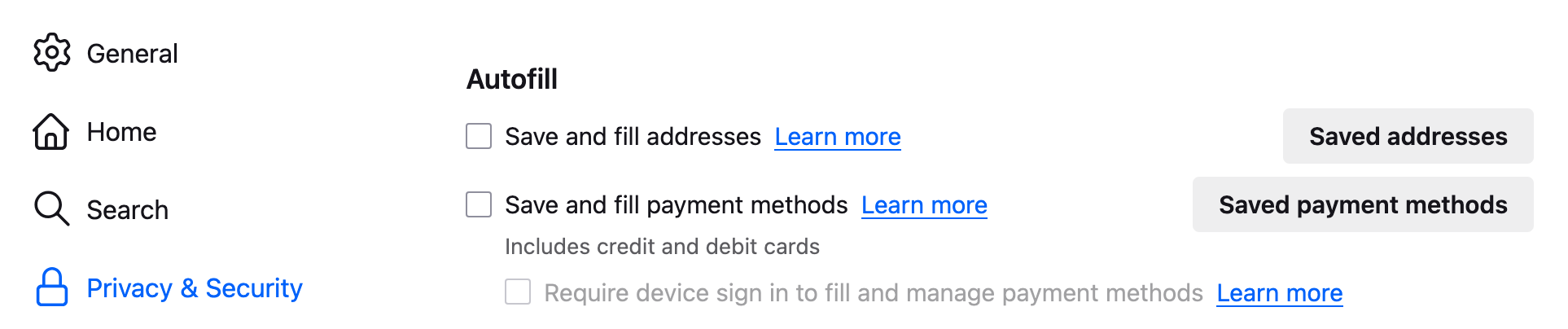
Saved payment methods are in Firefox settings -> Privacy and Security -> Autofill -> Saved payment methods

Autofill does not exist fro some reason in the new version I'm on version 145.0.1 64 bit Mac
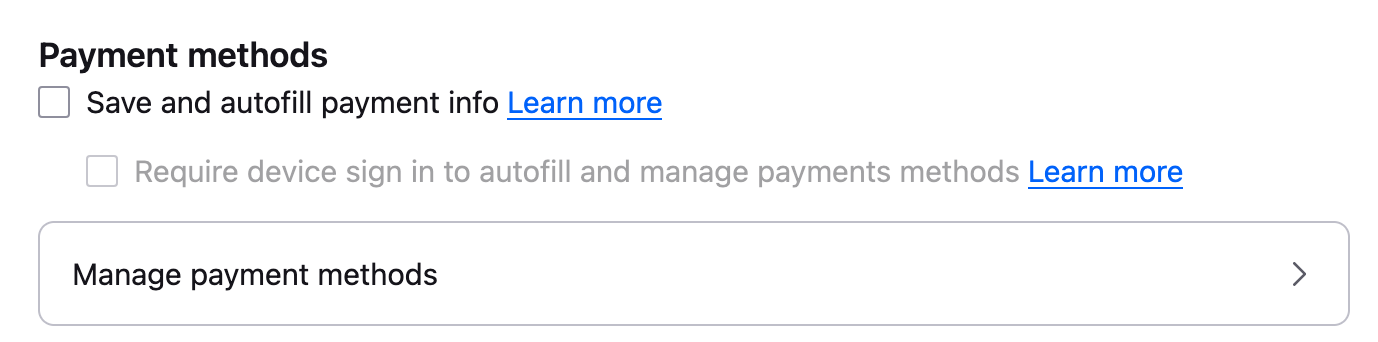
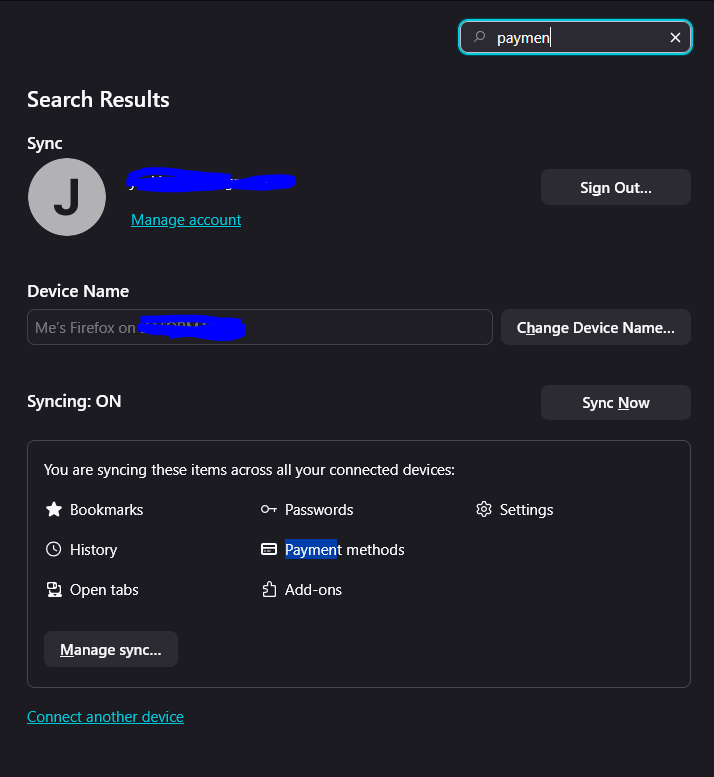
I have tried typing in payment method in the search field but it wont appear on my desktop.
Please look at the "chosen solution" in https://support.mozilla.org/kn/questions/1443578
Replace NZ (as said in the solution) with the country code of the country you are currently in.
Mark said
Please look at the "chosen solution" in https://support.mozilla.org/kn/questions/1443578 Replace NZ (as said in the solution) with the country code of the country you are currently in.
I tried adding "SE" for Sweden to the string. But that did not work. The wierd thing is I could previously see the "Saved payment methods" option on my desktop, and I can still see it on my Android phone. Also sync for that options is enabled.