


How to disable AI in Firefox completely?

With Firefox 144, there is unasked for/unwanted AI introduced. How do I ensure that all AI is completely disabled in my browser? I found a link describing some settings, but want to confirm this will disable ALL AI in the browser. I don't want it, don't trust the privacy/security holes yet to be found and would prefer it was not included in Firefox to begin with. The list I've found is:
- user_pref("browser.ml.chat.enabled", false);
- user_pref("browser.ml.chat.menu", false);
- user_pref("browser.ml.chat.page", false);
- user_pref("browser.ml.chat.shortcuts", false);
- user_pref("browser.ml.chat.sidebar", false);
- user_pref("browser.ml.enable", false);
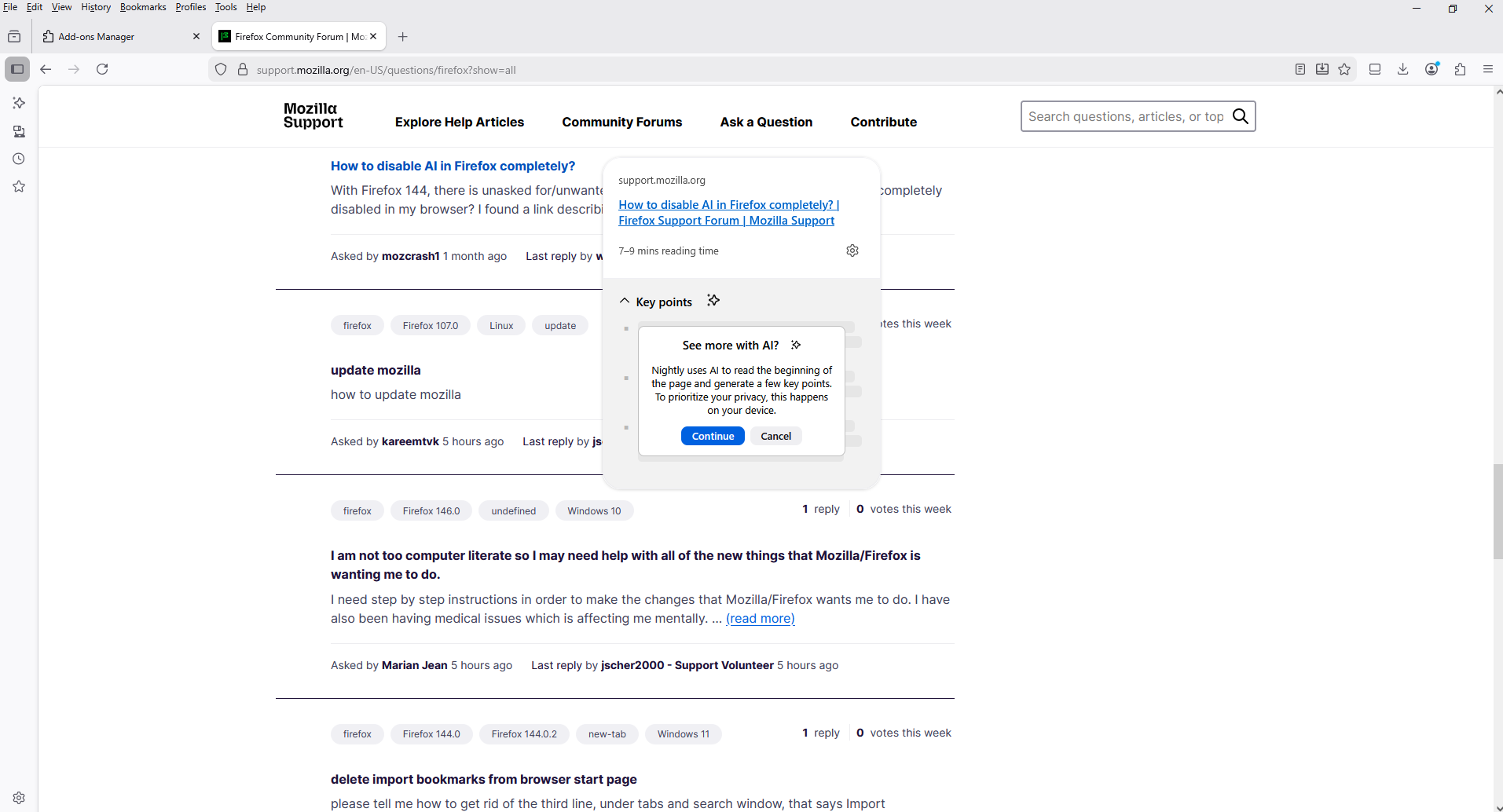
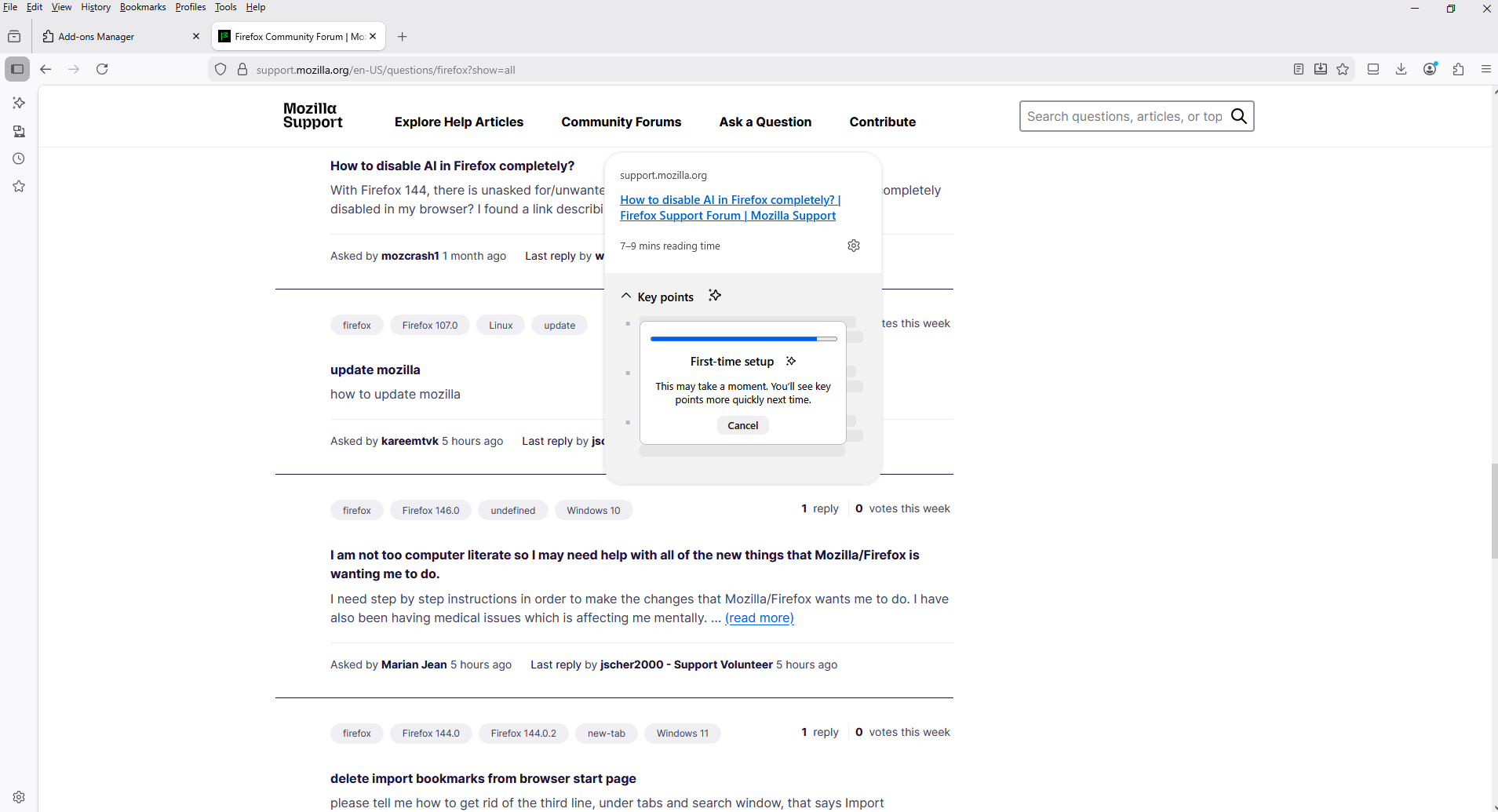
- user_pref("browser.ml.linkPreview.enabled", false);
- user_pref("browser.ml.linkPreview.optin", false);
- user_pref("browser.ml.modelHubRootUrl", "");
Will this do it? What about:
browser.ml.chat.nimbus
Do I need to clear that field to ensure I don't get some auto opt-in in the future as more and more of this "stuff" is put into the browser?
Why not leave Firefox as a security/privacy conscious browser and put out a separate AI browser (FirefoxML?) for those that are not as concerned. How does Mozilla ensure that no information is leaked through AI from sessions for professionals that must protect physician/patient, attorney/client information or other legally confidential information?
所有回覆 (7)
Why not leave Firefox as a security/privacy conscious browser and put out a separate AI browser (FirefoxML?) for those that are not as concerned. How does Mozilla ensure that no information is leaked through AI from sessions for professionals that must protect physician/patient, attorney/client information or other legally confidential information?
Any of your data don't leave your browser without your consent. Unless you use an AI chatbot yourself, it... will not be used. Other features, such as tab group naming and translations, use local LLMs that work directly on your device and don't send the data anywhere.
由 Denys 於 修改
I'm not sure information remaining in the browser is accurate, the problems with AI, perplexity in particular is the the malicious prompt injection both in the URL and chatbot that feeds the prompt. This article highlights the danger, and for professionals with duties to protect client/confidential information, this AI nonsense if compromised can lead to disbarment or loss of medical license.
See: https://www.theregister.com/2025/10/28/ai_browsers_prompt_injection/
"I tried an even more malicious prompt that worked on both Gemini and Perplexity, ..."
How can I be sure that all AI features of permanently disabled in Firefox? I'm not risking action by the state bar because unwanted AI led to CSRF or prompt injection that discloses attorney work-product.
由 mozcrash1 於 修改
I'm not sure that is accurate, the problems with AI, perplexity in particular is the the malicious prompt injection both in the URL and chatbot that feeds the prompt. This article highlights the danger, and for professionals with duties to protect client/confidential information, this AI nonsense if compromised can lead to disbarment or loss of medical license.
See: https://www.theregister.com/2025/10/28/ai_browsers_prompt_injection/
"I tried an even more malicious prompt that worked on both Gemini and Perplexity, ..."
How can I be sure that all AI features of permanently disabled in Firefox? I'm not risking action by the state bar because unwanted AI led to CSRF or prompt injection that discloses attorney work-product.
Last week, researchers at Brave browser published a report detailing indirect prompt injection vulns they found in the Comet and Fellou browsers. For Comet, the testers added instructions as unreadable text inside an image on a web page, and for Fellou they simply wrote the instructions into the text of a web page.
This article is about so called AI browsers/agents. Firefox is not one of them and it doesn't behave like this.
由 TyDraniu 於 修改

You are completely erasing trust in Firefox and Mozilla by using an opt out model for AI.
I just noticed "Ask ChatGPT (Z)" in my Firefox context window. I DID NOT CHOOSE TO INSTALL THIS. I am actually quite interested in LLM capabilities, but I an NOT interested in supporting Mozilla if you are going to force AI on us users. CUT IT OUT!
tim263 said
You are completely erasing trust in Firefox and Mozilla by using an opt out model for AI. I just noticed "Ask ChatGPT (Z)" in my Firefox context window. I DID NOT CHOOSE TO INSTALL THIS. I am actually quite interested in LLM capabilities, but I an NOT interested in supporting Mozilla if you are going to force AI on us users. CUT IT OUT!
Hey tim263,
To clarify: are you forced to select that option?
Hello
To complement, this subject, https://support.mozilla.org/en-US/questions/1552786#answer-1784165, on-device AI models in Firefox.
Ever wish you could peek at a page before you click? Now you can with Firefox Link Previews, https://support.mozilla.org/en-US/kb/use-link-previews-firefox
On-device AI models in Firefox, https://support.mozilla.org/en-US/kb/on-device-models




由 Agent virtuel 於 修改