Google maps no longer showing names of places

Hi Google Maps all of a sudden is not showing the names of places in Firefox. When Google maps loads initially the names show for about 1 second and then disappear.
I am on a Surface Pro 9.
Google Maps works fine in Chrome.
I have already tried disabling extensions, clearing cache, and ensure the performance is set to run normally.
What else can I do to fix this?
All Replies (5)

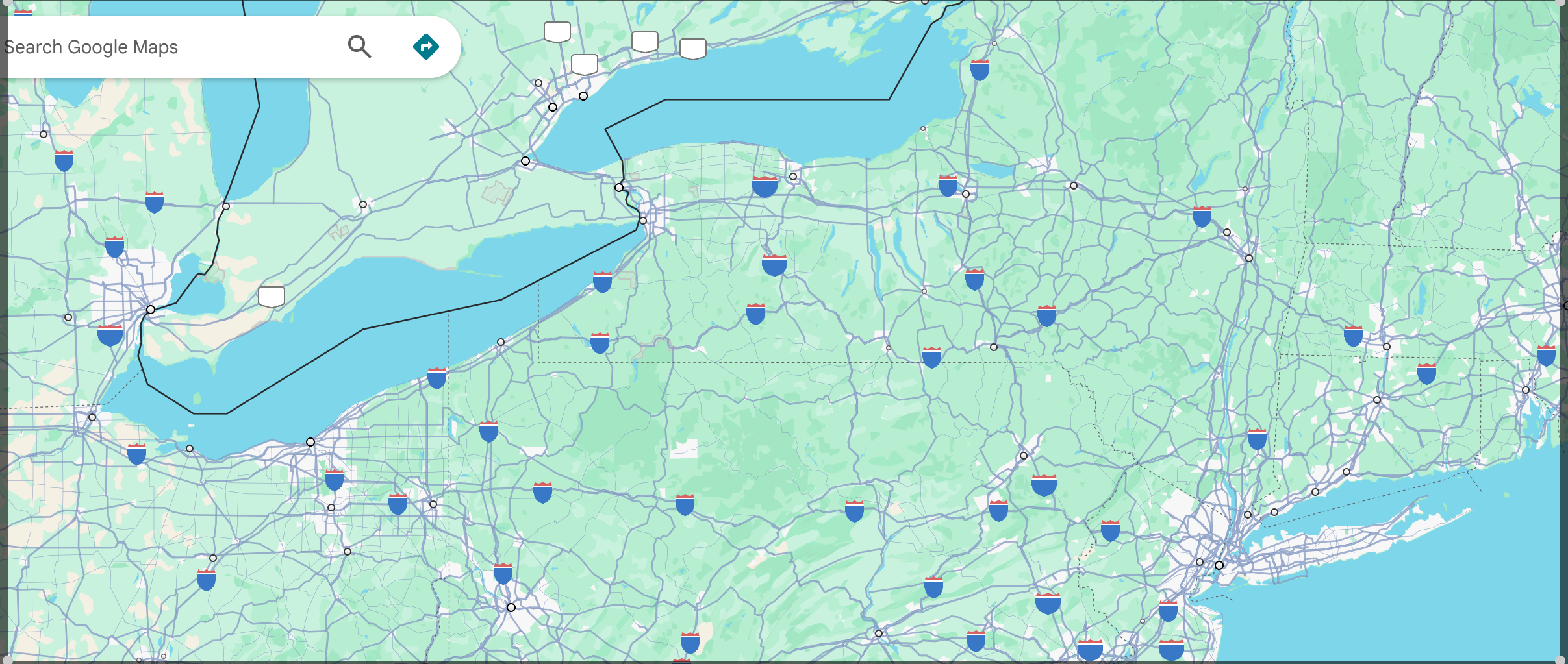
Not seeing the issue. see screenshot
Did you try with Firefox in Troubleshoot Mode? https://support.mozilla.org/en-US/kb/diagnose-firefox-issues-using-troubleshoot-mode#w_how-to-start-firefox-in-4troubleshoot-modesf5safe-modesf
Are you running any security software besides MS Defender?
Windows home or pro? If Windows Pro version, try testing in Windows Sandbox (VM) to see if you have the same issue. https://www.howtogeek.com/399290/how-to-use-windows-10s-new-sandbox-to-safely-test-apps/
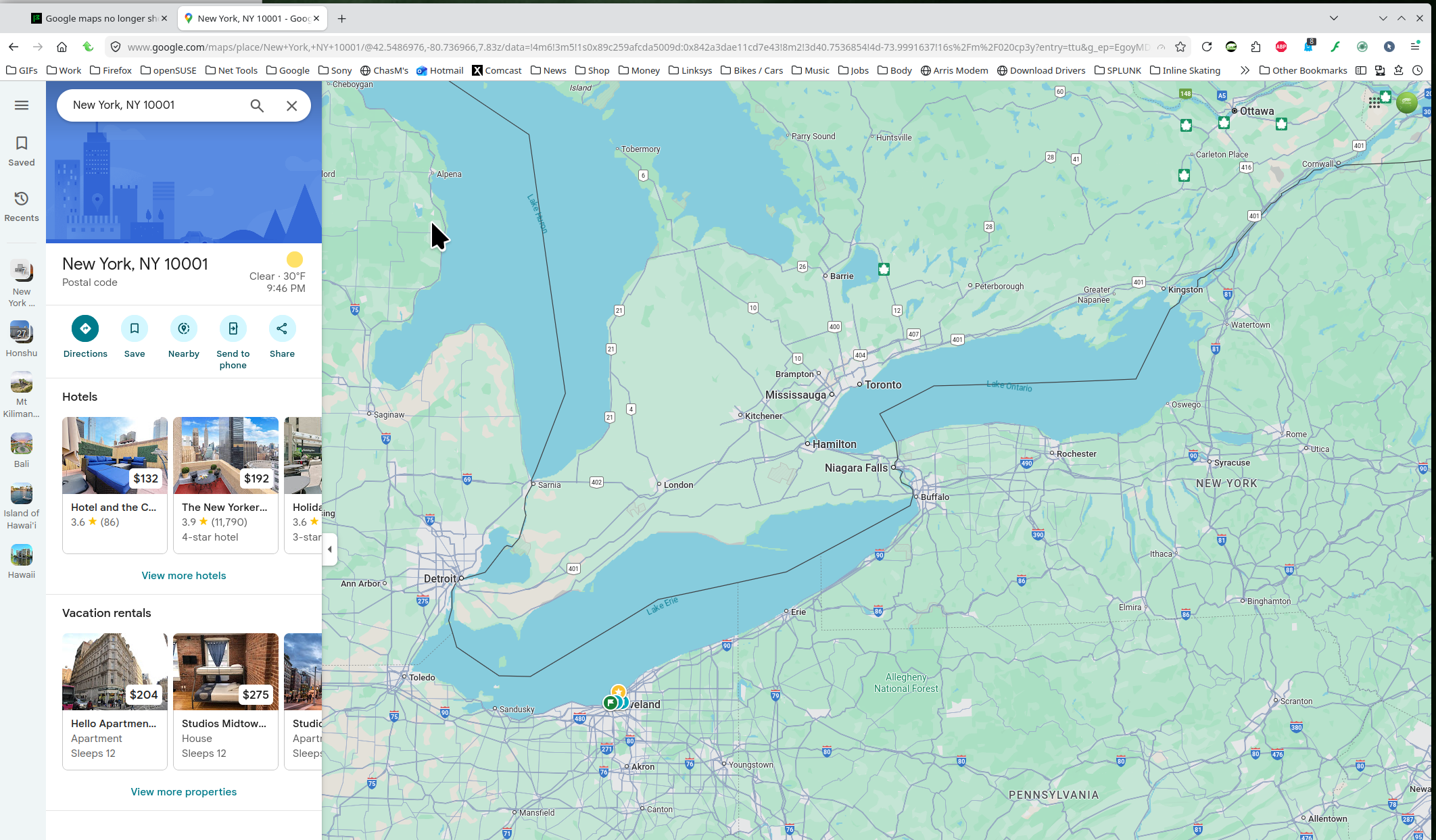
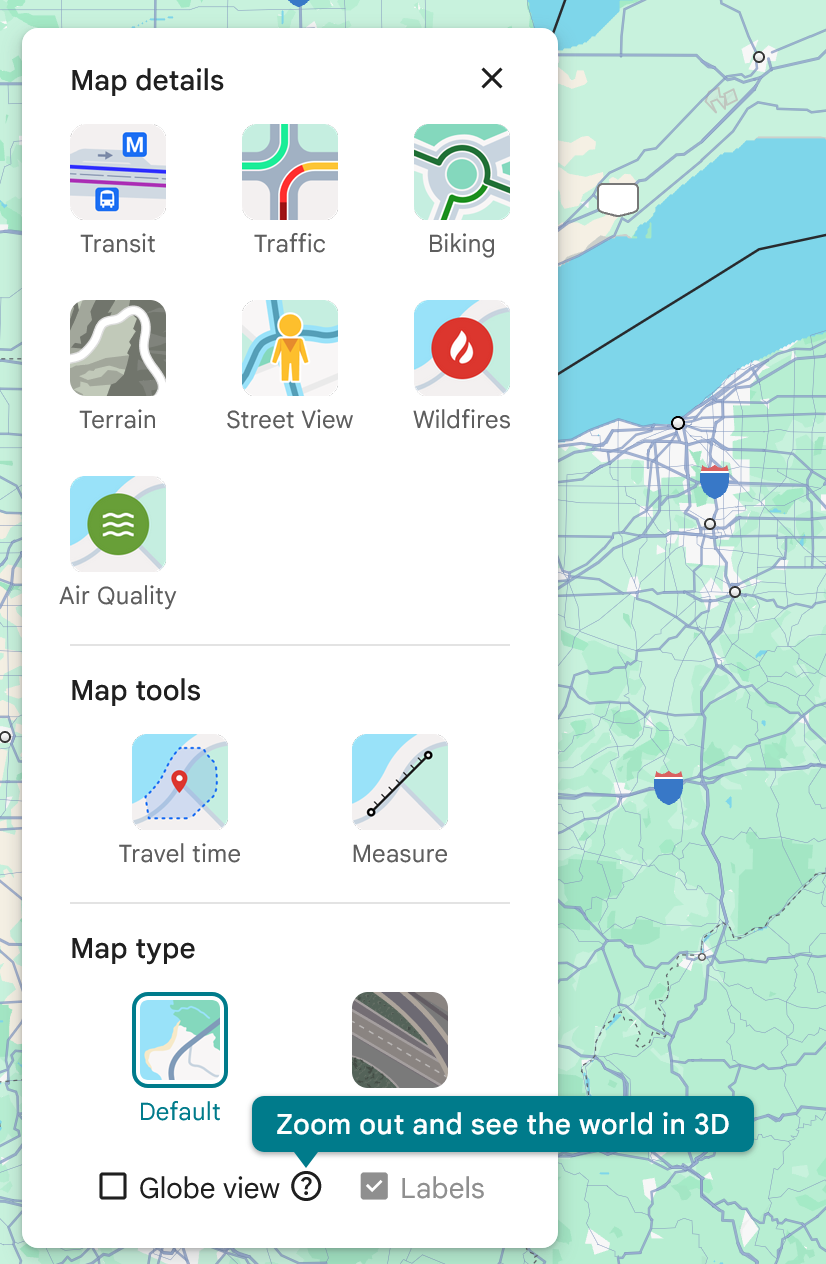
Hi. I already tried troubleshooting mode. This made no impact. I am on Windows 11 Home. Please see screen shot from Chrome on the same computer showing all the labels. Also, I noticed that (see screenshot) that the ability to toggle the "Labels" at the bottom right corner doesn't work-- it is grayed out in Mozilla.
Finally, the weird thing is that the labels show for about 1 second in Mozilla and then the disappear from the map.
Any other ideas?