


missing emails after an Update

After Thunderbird Update, one of my Subfolders shows 11 emails existing in folder but there's no actual emails showing.
Alle antwurden (8)

The folder repair did not fix the problem. When logging into my web server, the emails are in the folder.

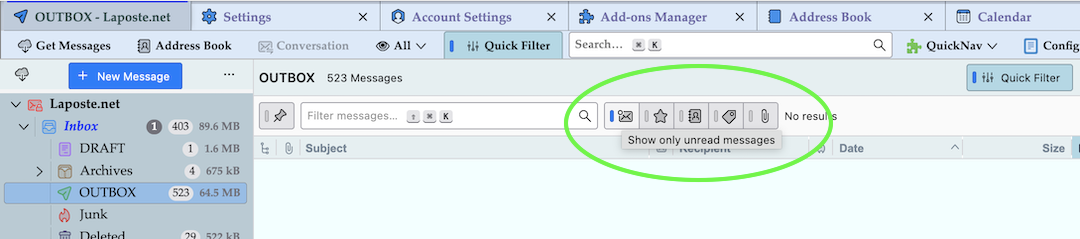
Did you activate the "Show only unread messages" item in the Quick Filter bar?
Bewurke troch Mapenzi op
I doesn't matter what I do with the Quick Filter bar, none of the 12 messages appear. All of the other folders are working fine.
Can you try this to see if forcing a restore of columns refreshes the view.
- Select problem folder so you see 'invisible list'.
- You will have various column headers visible eg: From, Subject ,Date.
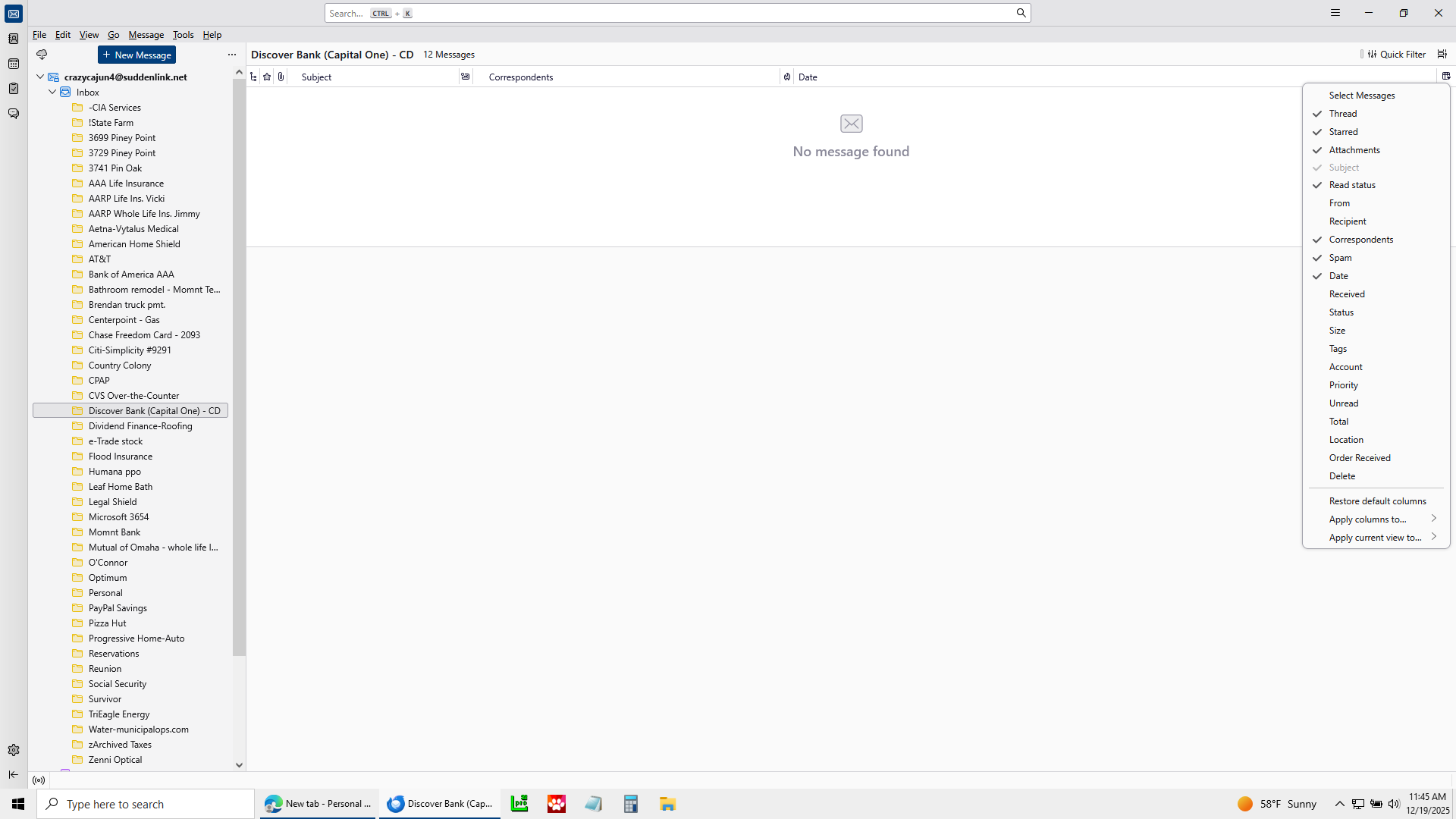
- To the far right of these column headers is the 'select columns to display' icon.
- click on the far right 'select columns to display' icon to see drop down options.
- Select 'Restore default columns'
Please report on results.
If still no joy....Upload an image which shows : On the left - The Folder Pane and subfolder (select problem folder) - so we can see the hierachy On the right - The empty Message List of problem subfolder, with it's column headers. Enable the Quick Filter so we can see what if anything is selected or not.
Is the problem 'subfolder' in 'Local Folders' account or an imap or pop account ?
Need to see if the hierachy is causing an issue due to number of characters in total path.
Please check this to see if another filter is operating: Select folder
- On 'Menu Bar' toolbar - the one with 'File, Edit, View, Go etc
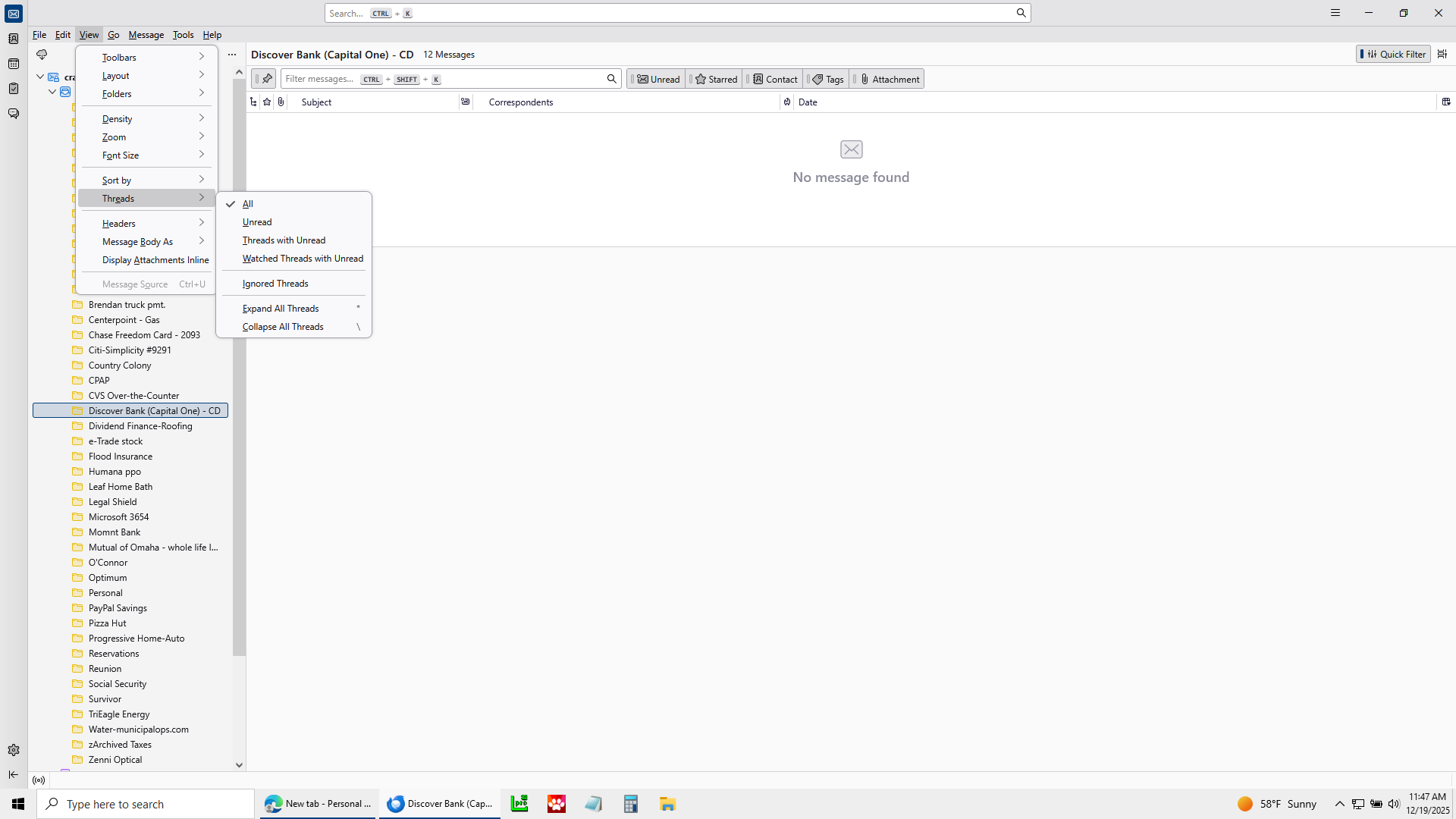
- 'View' > 'Threads' > please make sure 'All' is selected.
If 'Unread' is selected then it will not display all your read emails.
You could also check to see if any of those emails are marked as 'ignored' ? 'View' > 'Threads' - in addition to 'All' select 'Ignored threads'
If that reveals emails which have a red circle type icon in the 'threads' column header then you have ignored threads. You would need to remove that setting.
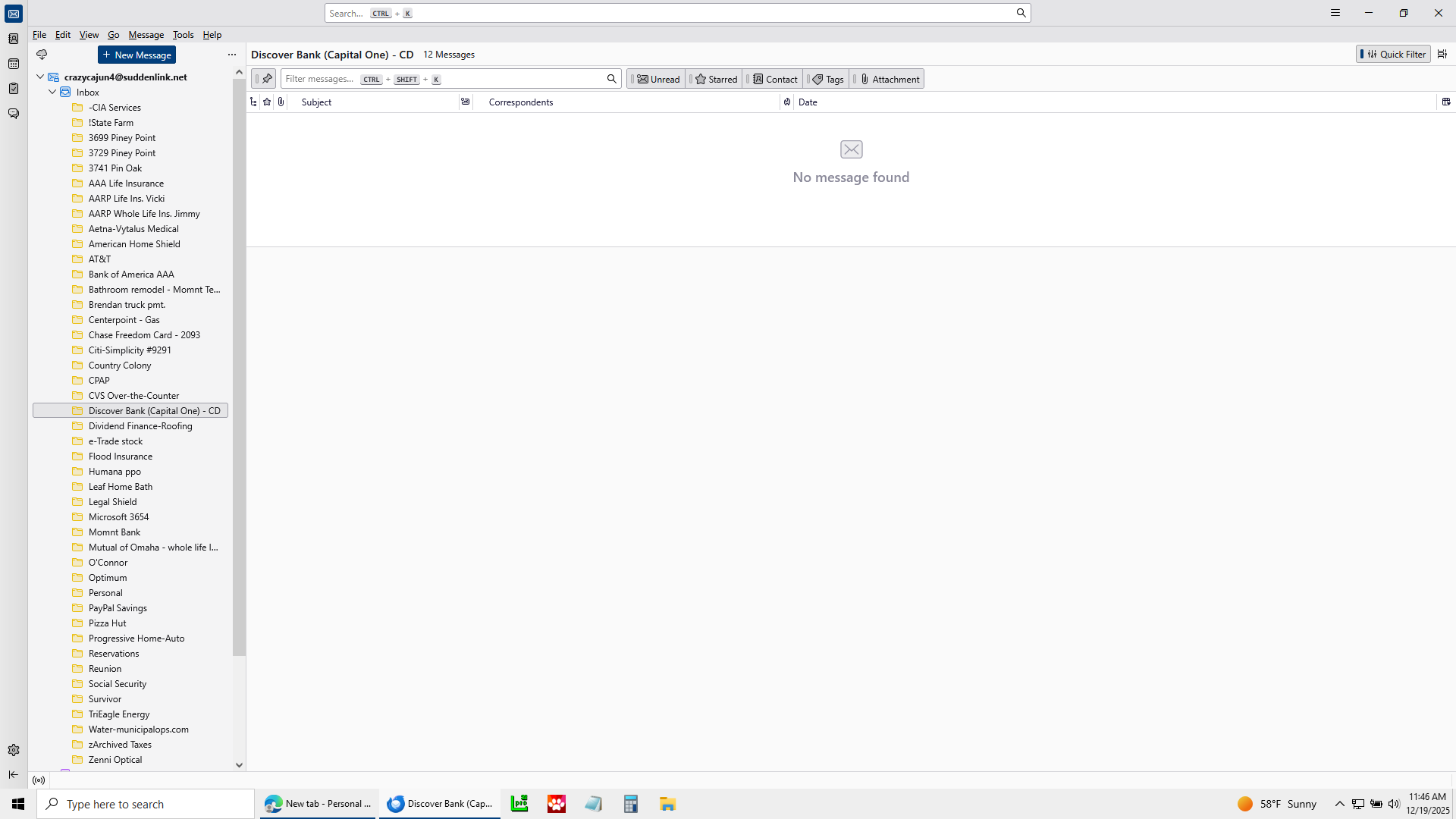
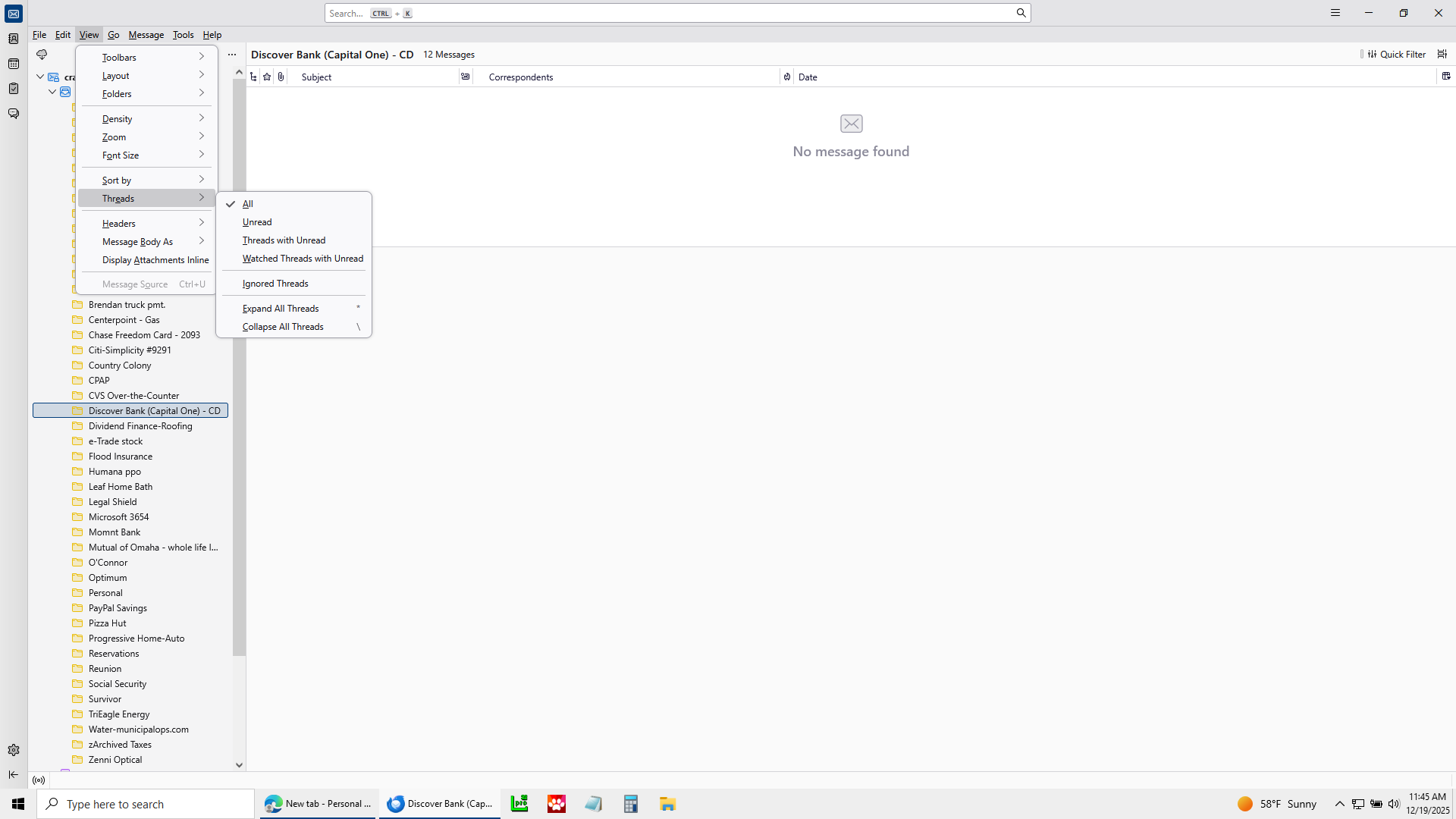
My guess is that the folder "Discover Bank" (respectively the mbox file Discover Bank) is corrupt. Do a R-click on Discover Bank > Properties .... and look up "Number of messages" and "Size on disk". You might find number of messages : 0 which in my experience means the mbox file is damaged. Do you have a backup copy of your Thunderbird profile?